Push to Google Ads
Helios pushes content directly to Google Ads via the Customizer API. No file exports or manual uploads required—content syncs in real-time.
What Are Customizers?
Section titled “What Are Customizers?”Google Ads Customizers let you insert dynamic text into your Responsive Search Ads based on the keyword that triggered the ad. Helios uses customizers to show different headlines for each keyword while using a single ad.
Pushing Content
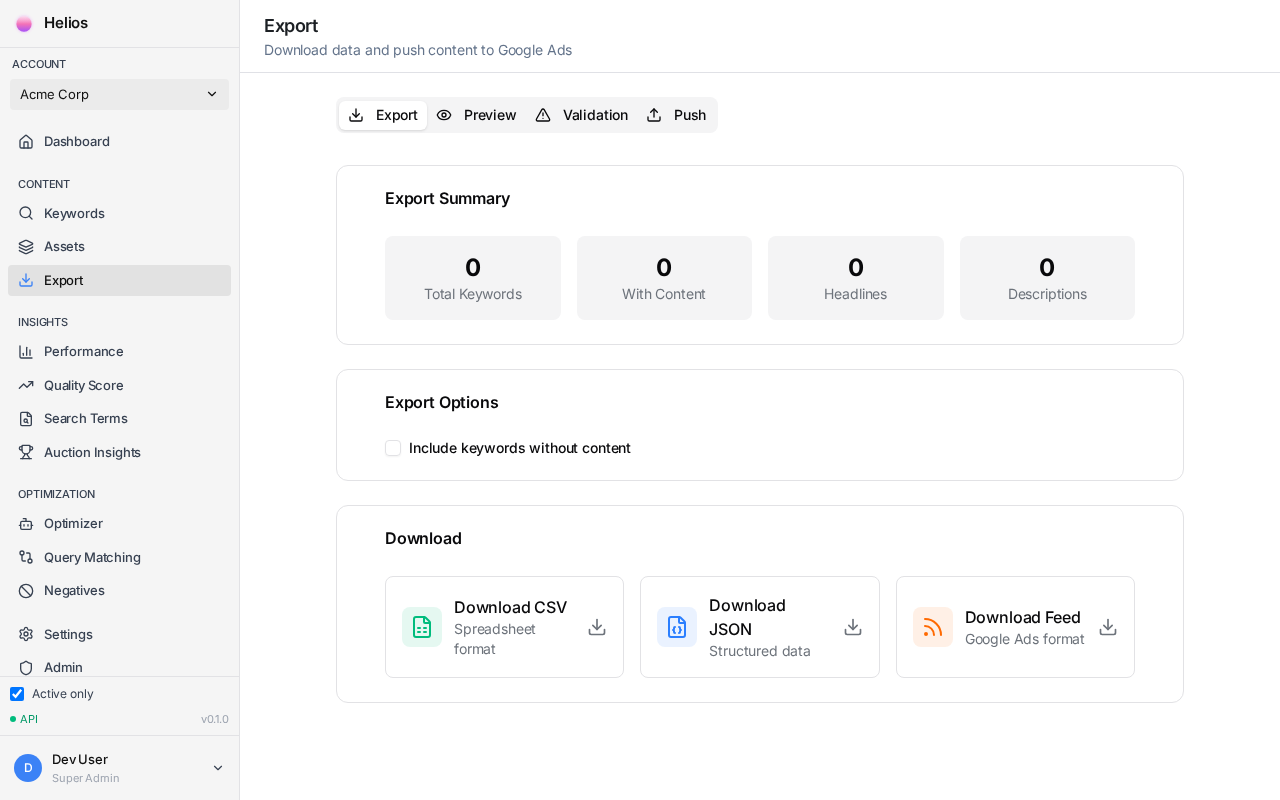
Section titled “Pushing Content”- Go to the Export page
- Review keywords with generated content
- Check the Validation panel for any issues
- Click Push to Google Ads
- Wait for confirmation
Validation Checks
Section titled “Validation Checks”Before pushing, Helios validates your content:
| Check | What It Verifies |
|---|---|
| Character limits | Headlines ≤30 chars, descriptions ≤90 chars |
| Required fields | All 15 headlines and 4 descriptions present |
| Trademark issues | No competitor names in copy |
| URL validity | Landing pages are reachable |
What Happens After Push
Section titled “What Happens After Push”When you push content, Helios:
-
Creates customizer attributes in your Google Ads account
Headline1TextthroughHeadline15TextDescription1TextthroughDescription4Text
-
Assigns values to each keyword
-
Adds labels for visibility in Google Ads:
- “Customizer - Keyword” on updated keywords
- “Customizer - Ad” on ads using customizers
Export Options
Section titled “Export Options”Recommended. Syncs content directly via API. Changes appear within minutes.
Download a spreadsheet for manual review or backup.
Download in Google Ads compatible format for bulk upload.
Push History
Section titled “Push History”Track all your pushes in the Push History tab:
- Date and time of each push
- Number of keywords updated
- Success and error counts
- Retry failed pushes
Incremental Updates
Section titled “Incremental Updates”Helios tracks content changes using hashes. When you push:
- Changed content is pushed to Google Ads
- Unchanged content is skipped (no unnecessary updates)
This makes subsequent pushes faster and reduces API calls.
Troubleshooting
Section titled “Troubleshooting”“Push failed” error
- Check your Google Ads connection is still valid
- Verify you have permission to create customizers
- Try pushing a smaller batch of keywords
Content not appearing in ads
- Allow 15-30 minutes for Google to process changes
- Verify your ad copy includes customizer syntax:
{CUSTOMIZER.Headline1Text} - Check the ad is approved and enabled
Next Step
Section titled “Next Step”After pushing content, use the Headline Optimizer to continuously improve performance.